Appearance
Project Creation & Management
Project creation and management is the first step of FMEA analysis, including two key phases: Planning & Preparation and Decision & Approval. This guide provides detailed instructions on how to create and manage FMEA projects.
Planning & Preparation (Step 1)
The goal of the planning and preparation phase is to define project scope, form project teams, and create project plans.
Operation Steps
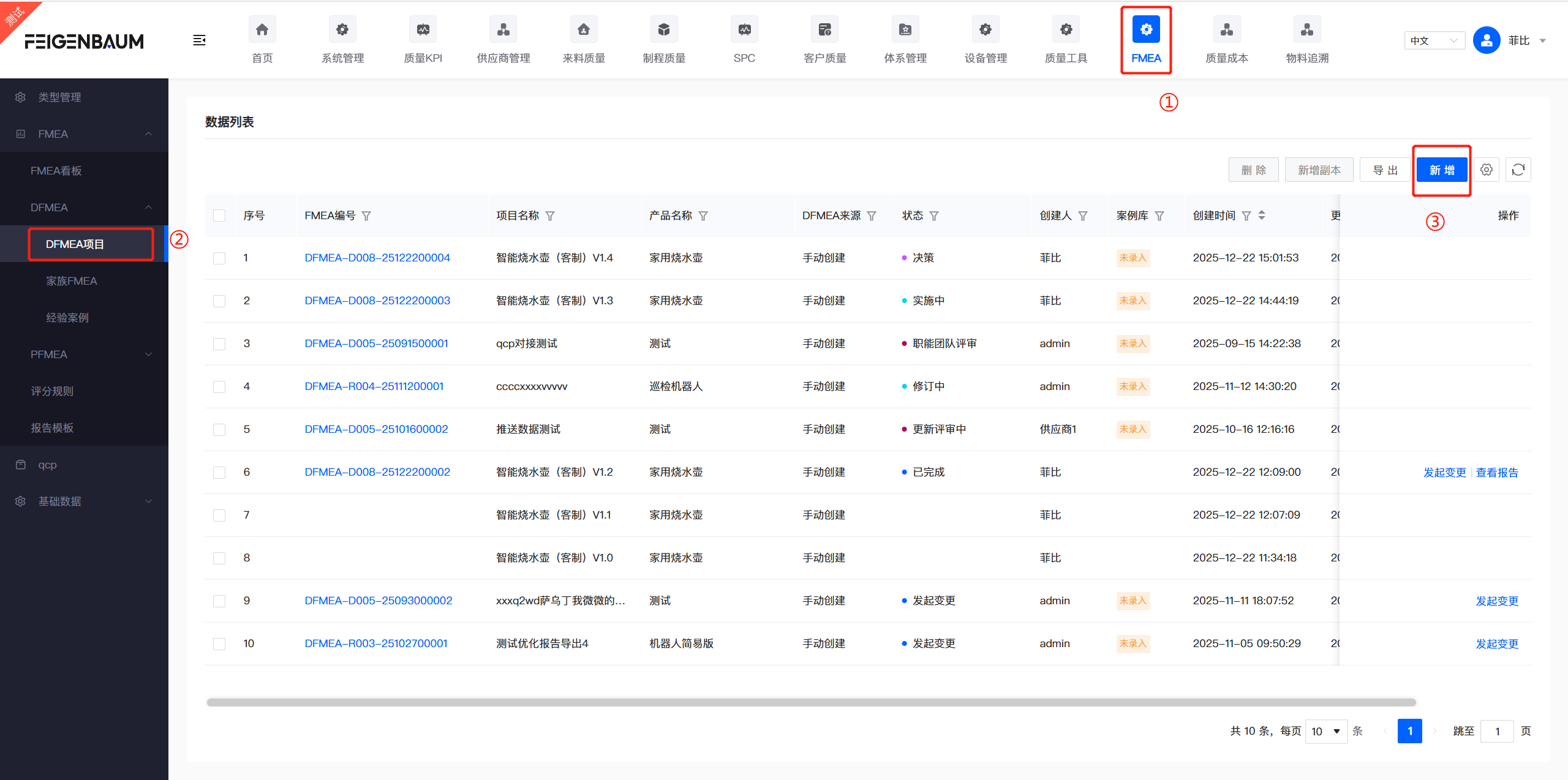
Step 1/6: Open menu FMEA/DFMEA Projects, click "New" button
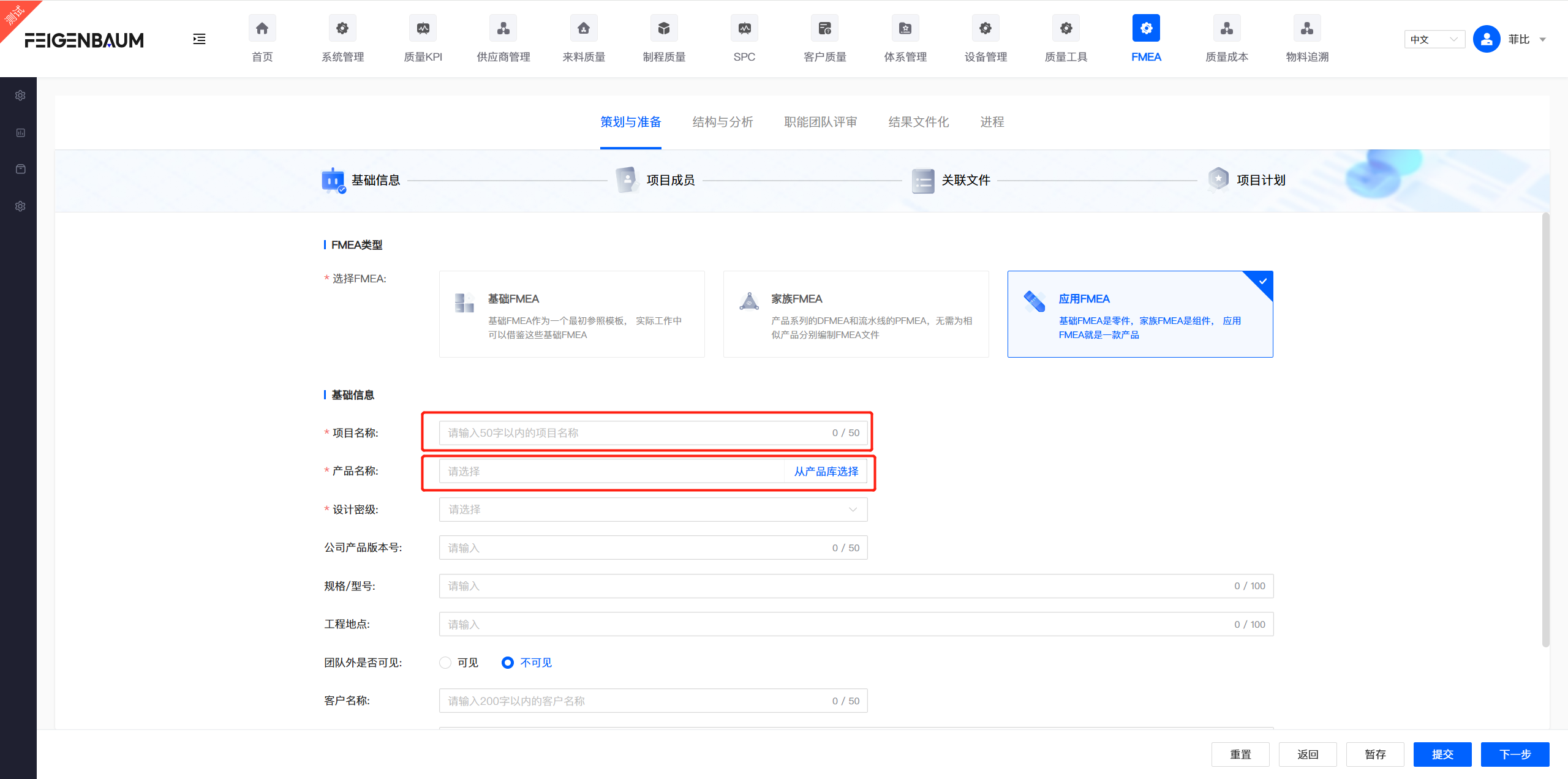
Step 2/6: Select "Product", fill in project name, description and other basic information
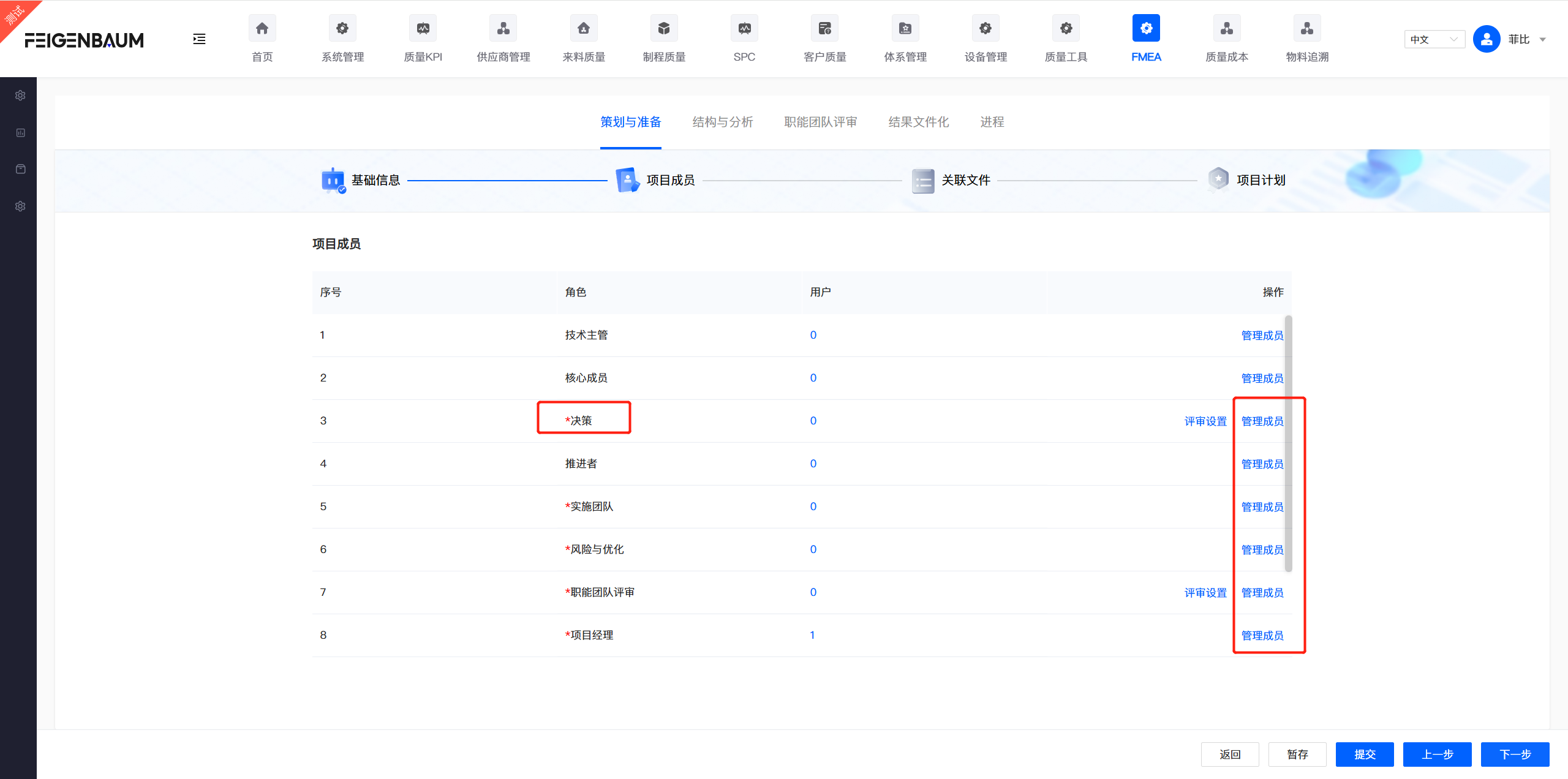
Step 3/6: Click "Next", configure project members and review nodes, assign specific team members for different roles (Decision Maker, Implementation, Risk Analysis, Functional Team Review, Supplier/Customer)
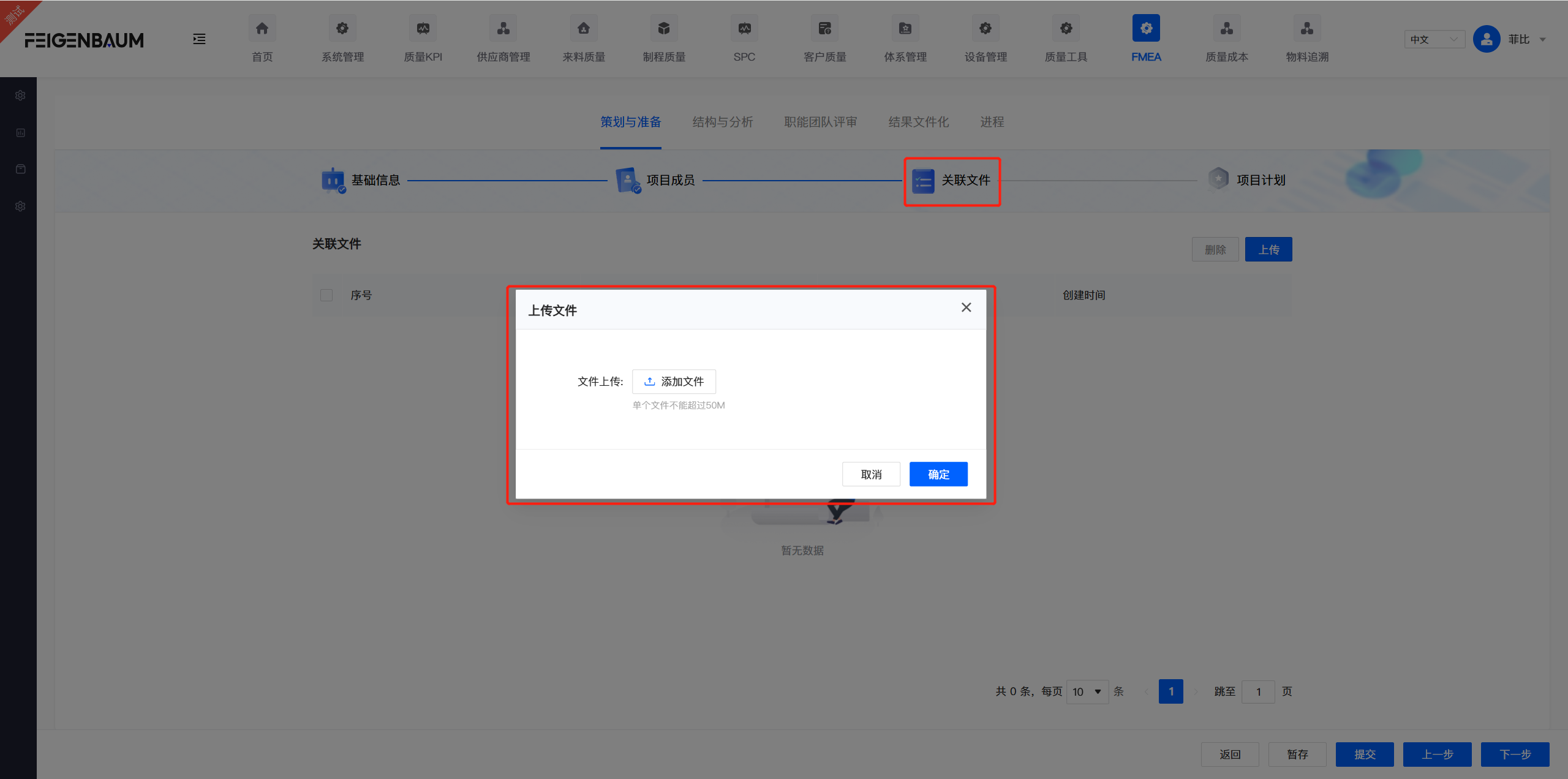
Step 4/6: Click "Next", upload documents related to the project, such as design drawings, product characteristic tables, etc. (Optional)
Step 5/6: Click "Next", create project plan for the project. The system will automatically generate a Gantt chart for project management (Optional)
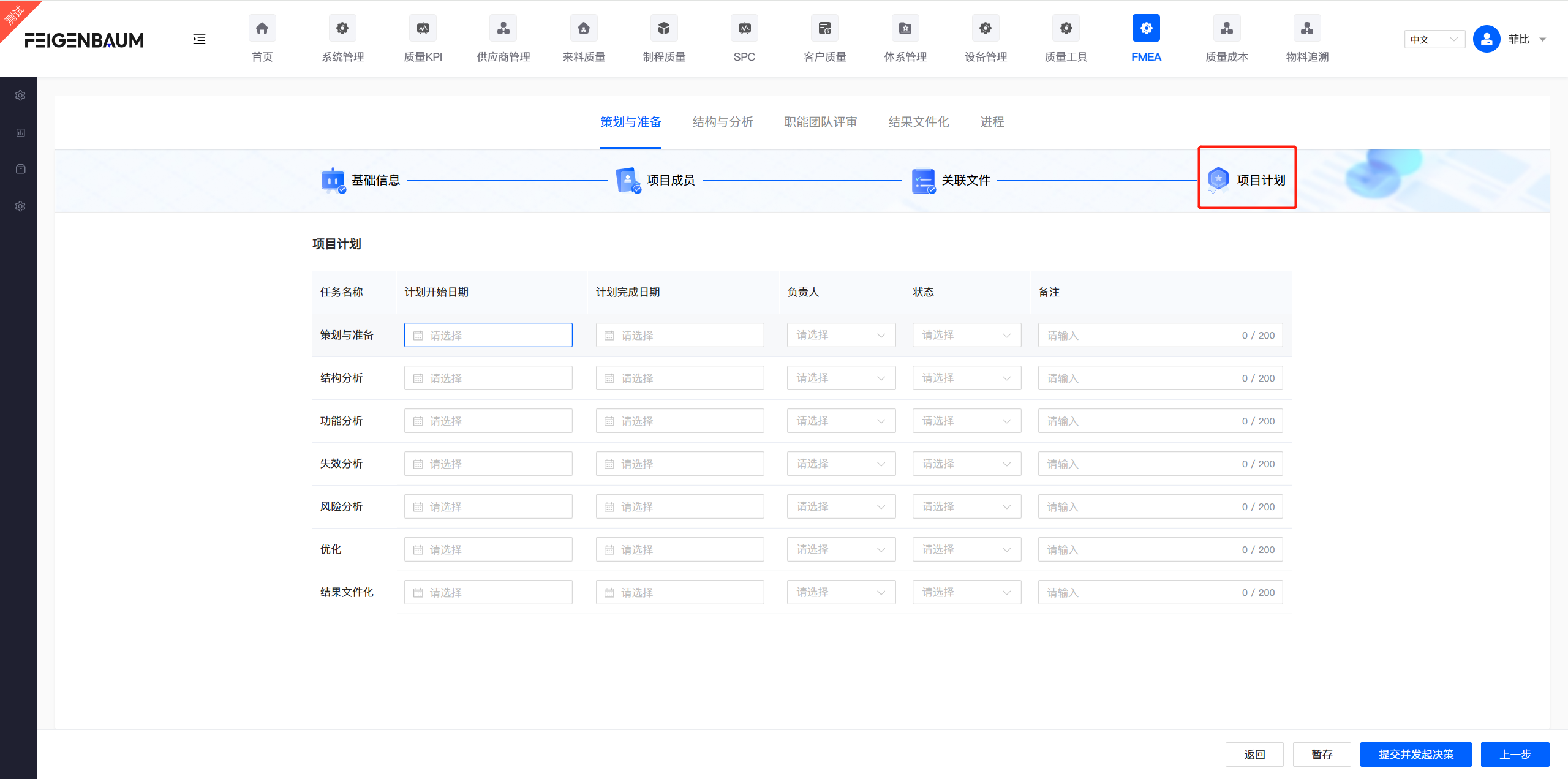
Step 6/6: After completing all configurations above, click "Submit and Initiate Decision" button. The project will enter the next node: Decision. The designated Decision role member will receive the approval task in their "My Tasks".
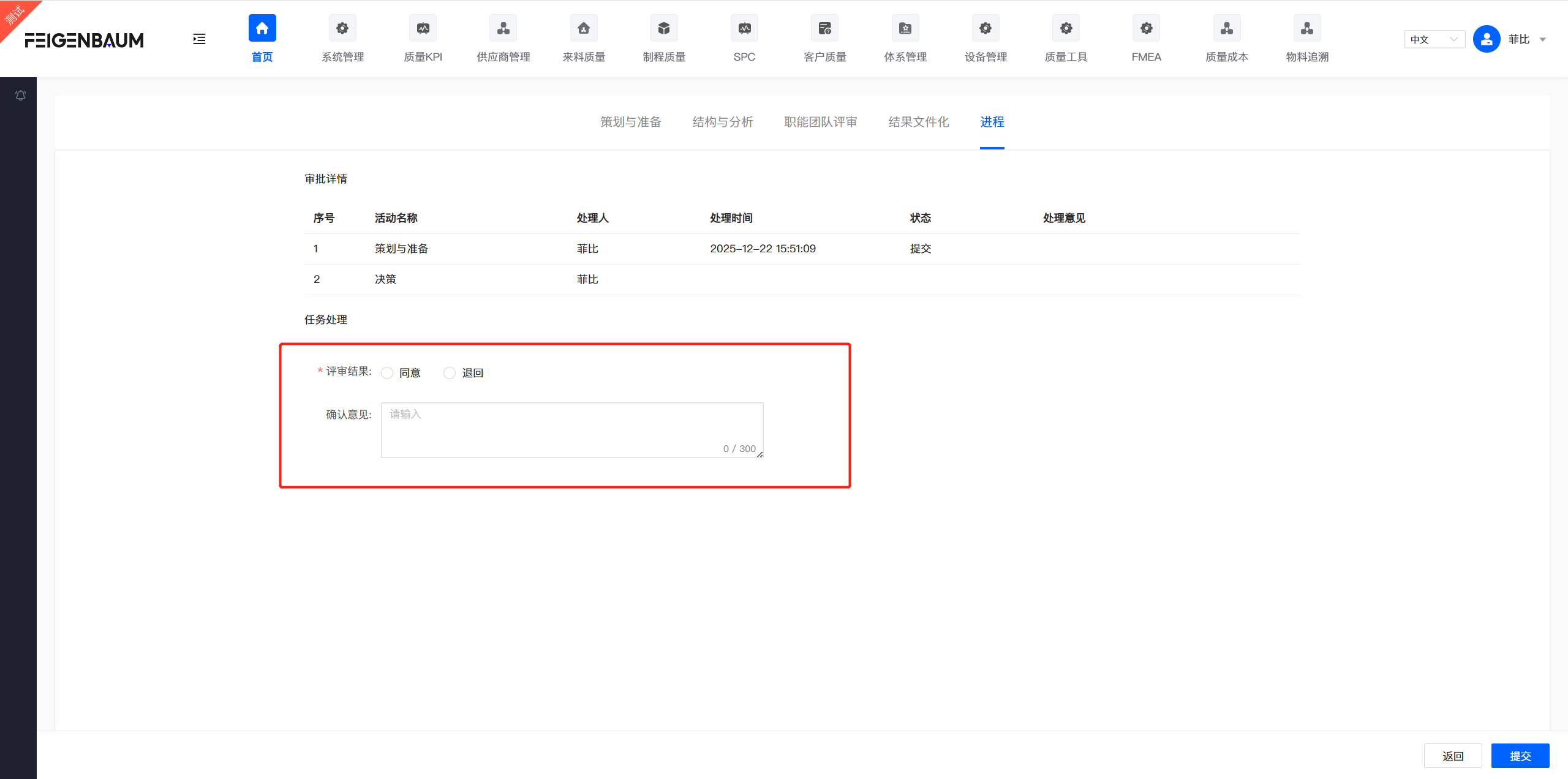
Decision & Approval
After project submission, the Decision role member needs to approve in "My Tasks". The project officially starts after approval.